
How to choose the right Showit Template for your creative business
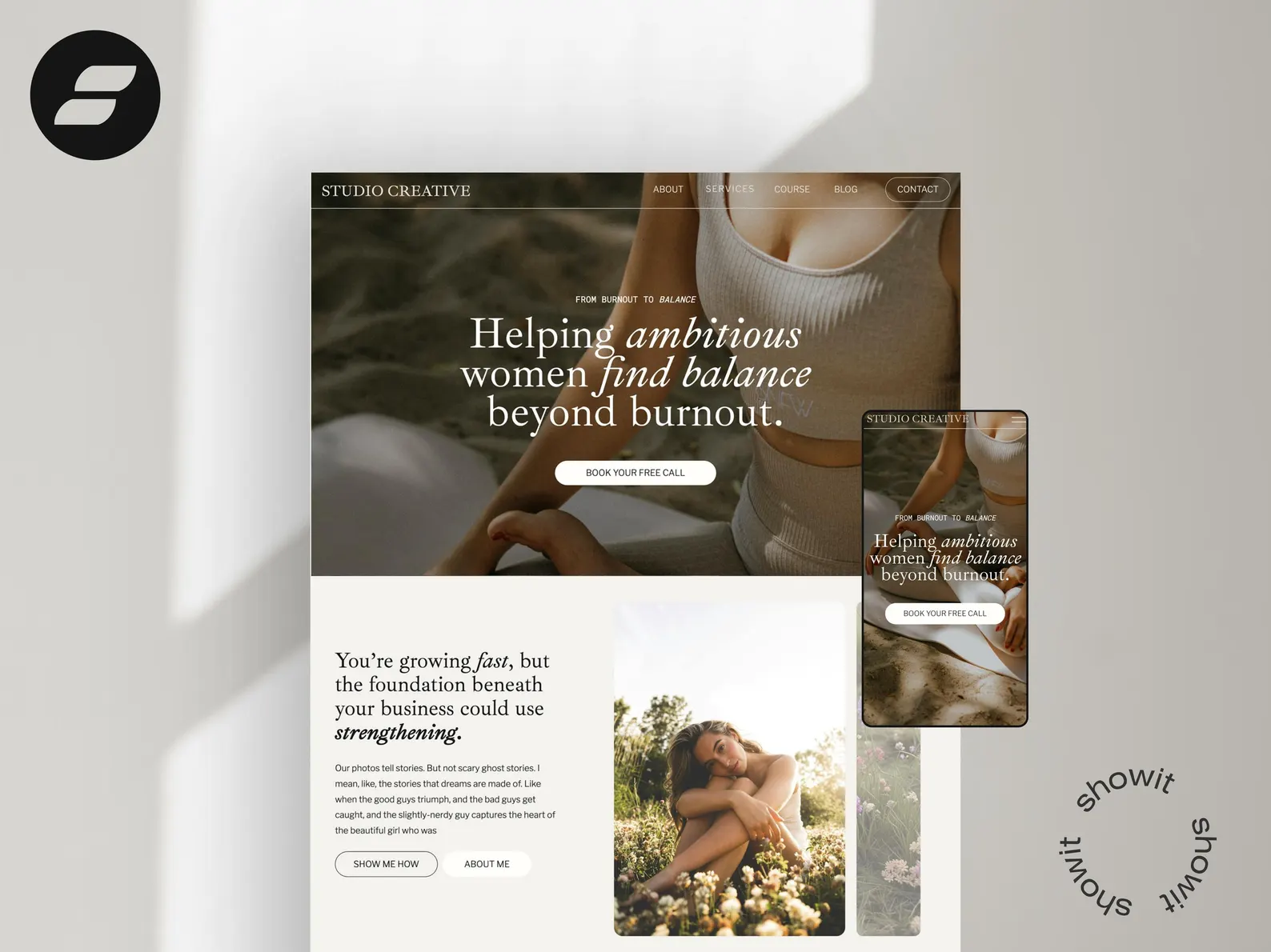
Choosing a Showit template can feel a little overwhelming at first.
You start scrolling and suddenly every template looks beautiful. The fonts are perfect, the photos are stunning, and somehow every website feels like the one.
But choosing the right Showit template is about more than just aesthetics.
A good template should make your website feel like you. It should support your brand, help visitors navigate your site easily, and give you enough flexibility to grow your business without needing a complete redesign six months later.
If you’re a photographer, designer, coach, artist, or creative entrepreneur, here’s what actually matters when choosing a Showit template.
Start with the structure, not the styling
One of the biggest mistakes people make when shopping for templates is focusing too much on the demo branding.
The colors, fonts, and imagery will all change once you make the template your own. What matters more is the actual layout underneath it all.
When looking at a Showit template, ask yourself:
- Does this layout fit the kind of content I create?
- Can I picture my own brand here?
Does the flow make sense? - Would this feel easy for visitors to navigate?
A strong template should still work even after completely changing the branding.
Think about the experience your visitors will have
Your website shouldn’t just look good. It should feel easy to move through.
The best Showit templates guide visitors naturally from one section to the next without making them think too hard. People should quickly understand:
- What you do
- Who you work with
- What makes your brand different
- How to take the next step
Simple things like spacing, text placement, navigation, and page flow make a huge difference.
Good design isn’t just visual, it’s functional.
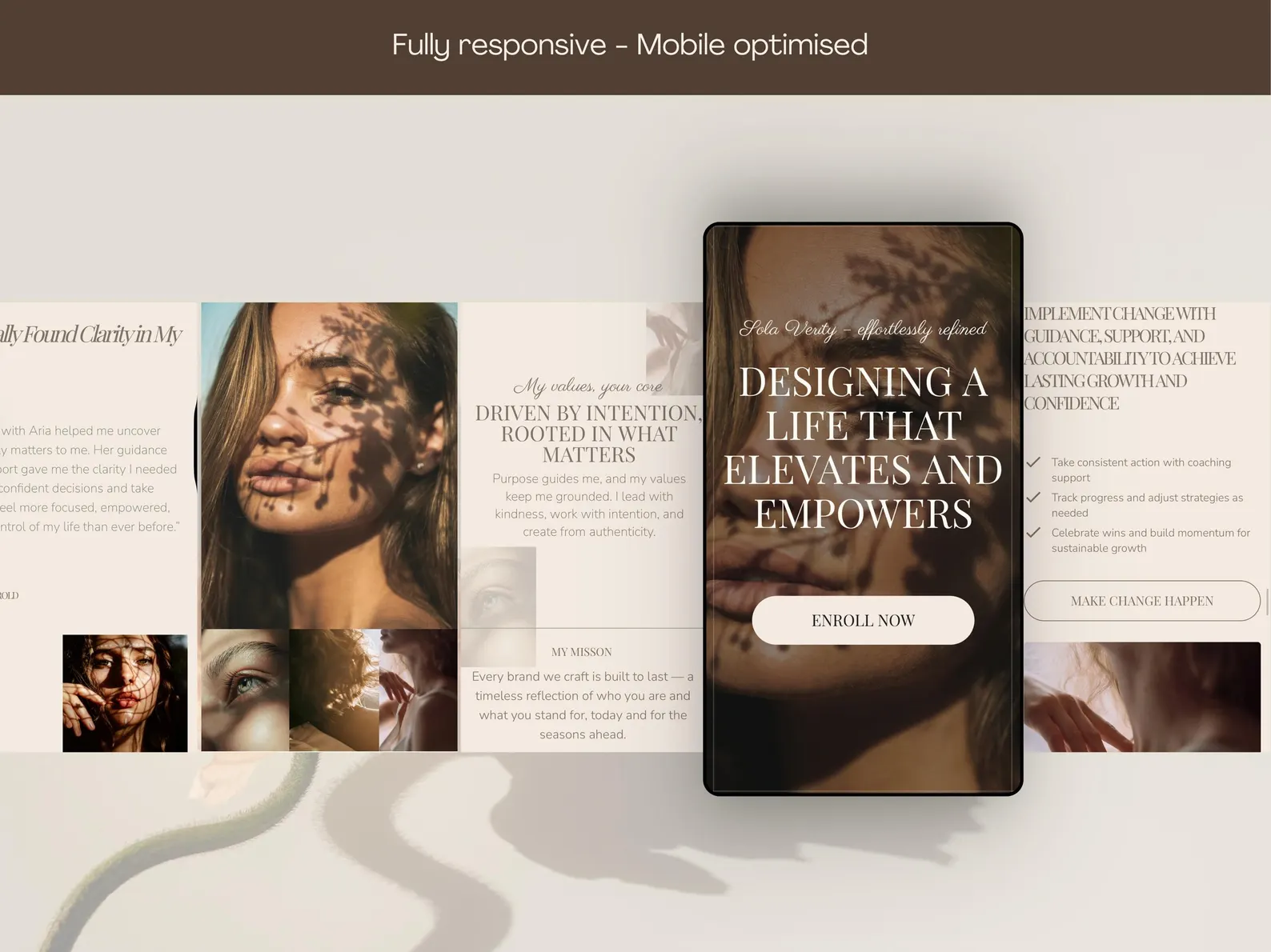
Make sure the mobile version feels good
Depending on your niche. Most people will probably visit your website from their phone first.
That’s why mobile design matters so much.
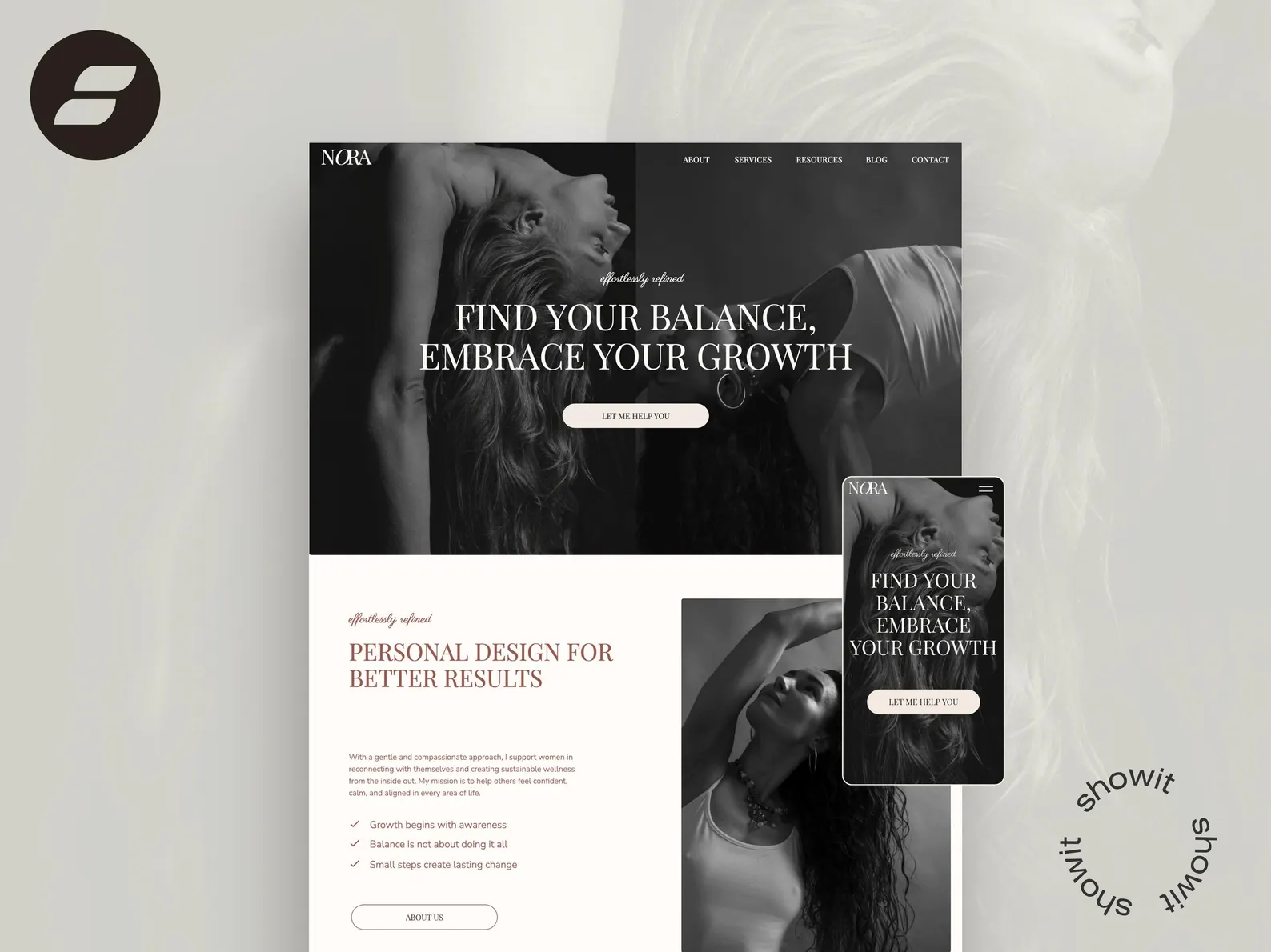
One of the best things about Showit is that you can customize the mobile layout separately from desktop, which gives you a lot more control. But not every template is designed equally well for mobile.
Before choosing a template, pay attention to:
- Text readability
- Spacing
- Image sizing
- Button placement
- Overall flow on mobile
Don’t choose a template just because it’s trendy
Trendy doesn’t always mean timeless.
Some templates look beautiful in previews but become difficult to work with once you start adding your own content.
Instead of choosing a template because it’s popular, choose one that actually supports your business and your personality. The best template is one that feels aligned with the way you work and communicate.
Look for a template that’s easy to customize
One of the reasons creatives love Showit is because it gives you so much creative freedom.
But some templates are built in ways that feel unnecessarily complicated to edit.
A good Showit template should feel approachable, even if you’re not super tech-savvy.
Look for templates with:
- Clean organization
- Consistent styling
- Flexible layouts
- Easy-to-edit sections
- Room to personalize things
You want something that gives you structure without making you feel boxed in.
SEO matters more than you think
A beautiful website won’t help much if nobody can find it.
If you want your website to show up on Google — and increasingly in AI-generated search results — your template needs good structure behind the scenes too.
SEO-friendly Showit templates usually include:
- Clear page hierarchy
- Organized layouts
- Space for meaningful copy
- Blog integration
- Good mobile usability
You don’t need to make your website feel robotic or stuffed with keywords. In fact, the opposite usually works better.
Google and AI tools are getting better at prioritizing content that feels:
- Helpful
- Clear
- Human
- Easy to understand
That’s why strategic structure matters so much.
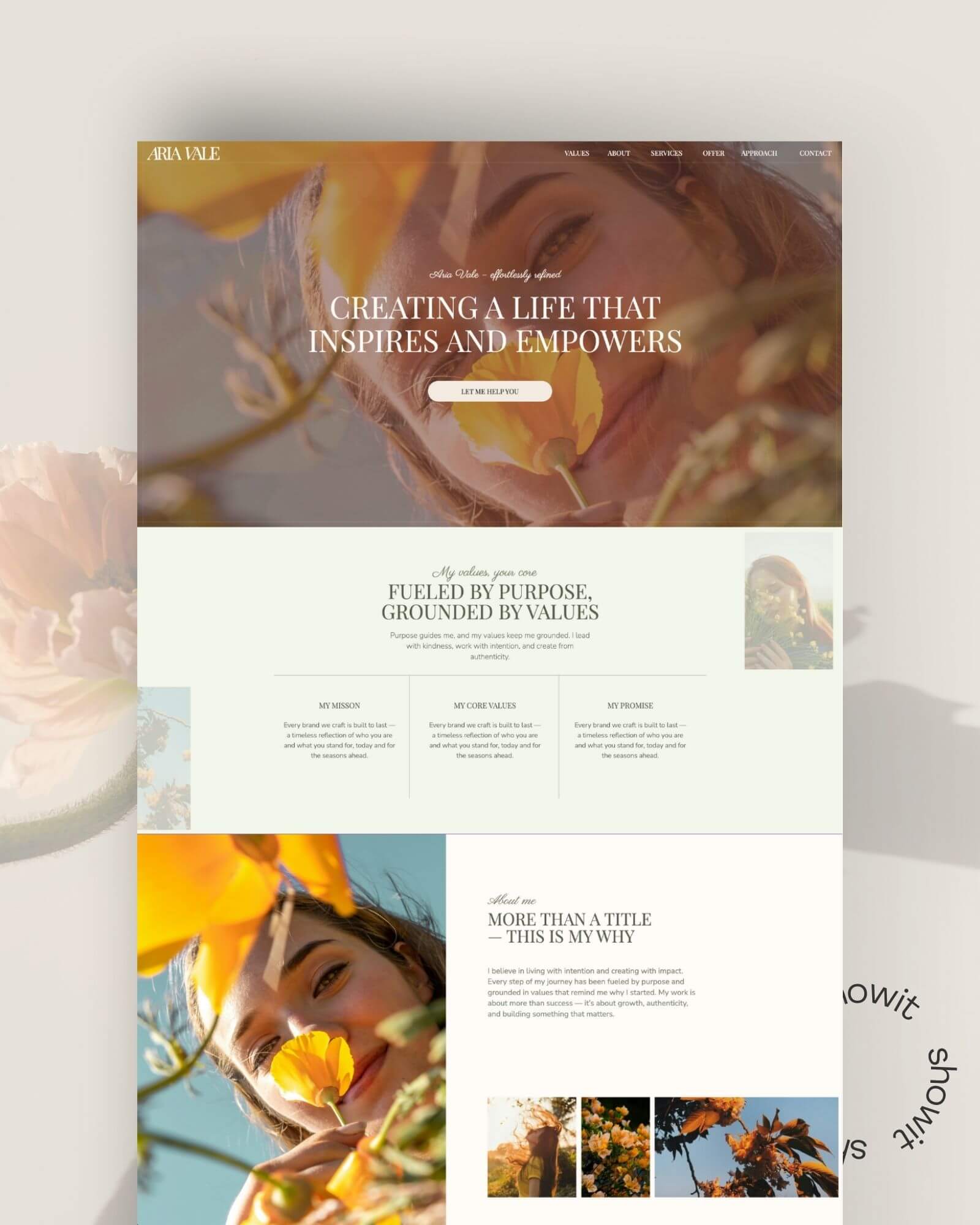
The difference between pretty templates and strategic templates
Not all templates are designed with real businesses in mind.
Some are built purely to look trendy in previews. Others are created more intentionally, with branding, user experience, SEO, and conversion flow all considered from the beginning.
A strategic Showit template helps visitors:
- Understand your brand
- Connect with your work
- Navigate your site easily
- Trust your business
- Take action naturally
At Pixelfloof, I design custom Showit templates specifically for creatives who want websites that feel elevated, thoughtful, and easy to make their own.
My goal is always to create templates that balance aesthetics with strategy — because your website should feel beautiful and work well for your business long-term.
Final thoughts
Choosing the right Showit template isn’t really about finding the “perfect” design.
It’s about finding a foundation that supports your brand, works for your audience, and gives you room to grow.
The best Showit templates combine:
- Beautiful design
- Easy customization
- Strategic structure
- Strong mobile experience
- SEO-friendly foundations
- Flexibility for creatives
When all of those things come together, your website starts feeling less like a template and more like an actual extension of your brand.
Shop exclusive Pixelfloof templates here
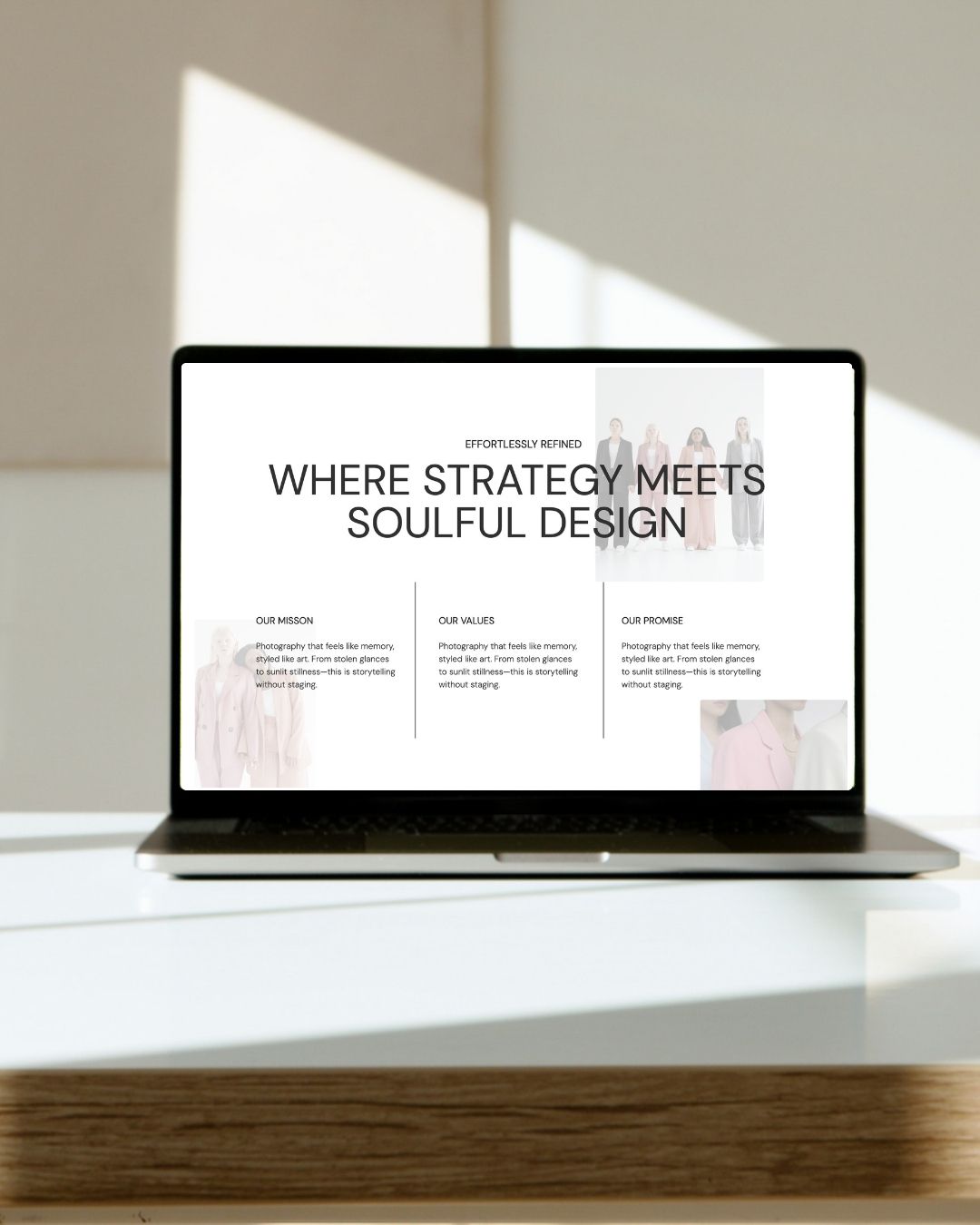
Ready to create something beautiful together?
Let’s build you a brand or website that feels right — and works hard behind the scenes.